How to export orders?Updated 5 months ago
- Click the "Export Orders" button on the Orders section.

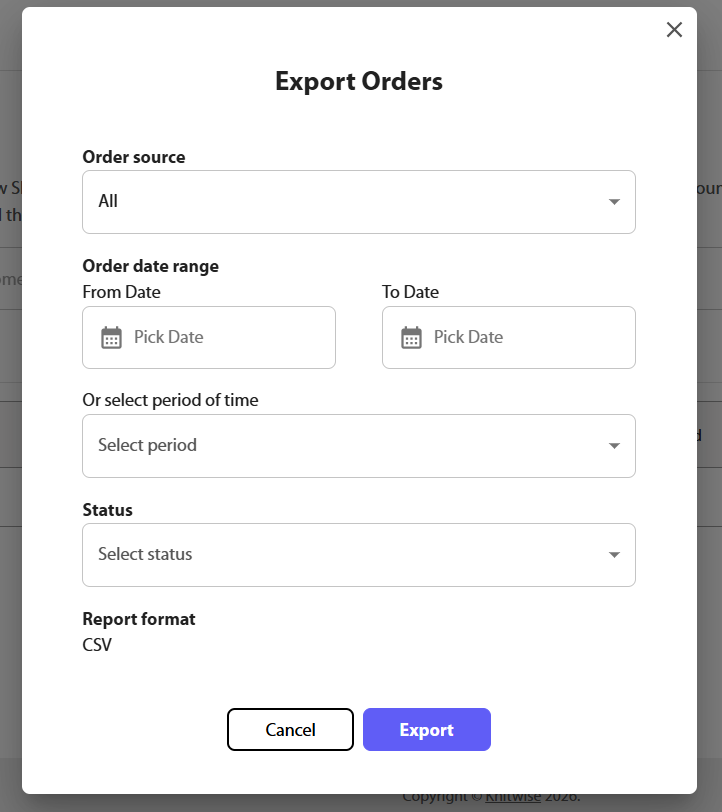
- Fill up the required information for the export process: Order source, date range or period and status. Once completed click the "Export" button.
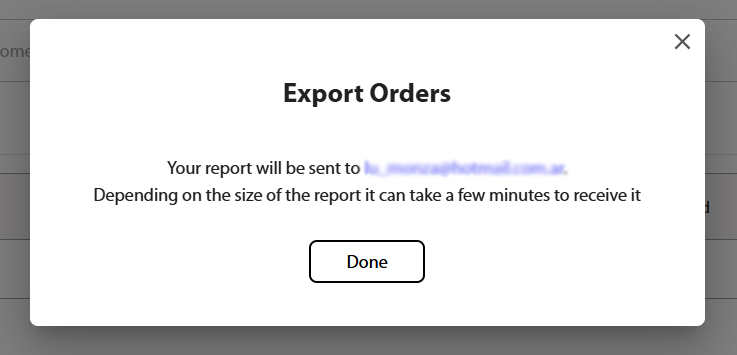
- Once you click "Export" you'll see a success message confirming that the report is sent to your email account for download.
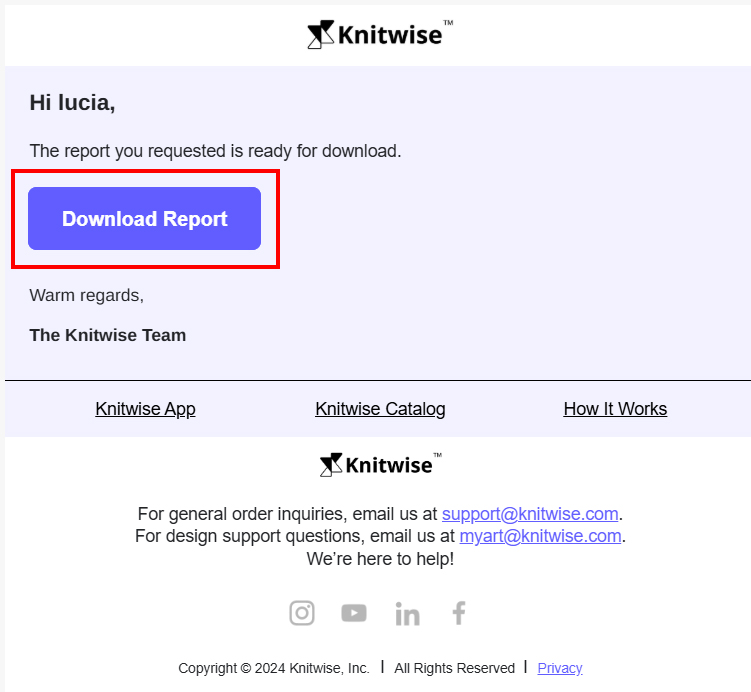
- On the email you received, click the "Download Report" button to get the report file in CSV format.